Component 鬼牌(二): 看網址決定 Component
¶前端 router
前端 router 是一個很厲害的技術,讓 JavaScript 的內容與網址有了關係。並且讓分享某個特定的內容,不再是 Server Side Render 的專利。最重要的是讓網速慢的使用者,也可以擁有好的瀏覽體驗,不用點擊連結,整頁閃一下才更新。
¶Demo
可以看看幾個大廠的網站 Youtube, Facebook, Gmail 都有使用這樣的技術。
¶需求
只要你想要「貼網址分享分容」就要使用前端 router
大部份的 SPA 網站都具備這樣的功能 (才對) 畢竟任何一個前端框架的生態圈都包含 route 的功能。
¶用 vue router
用 vue-cli 的 hello world 當例子
<template>
  <div id="app">
    <div id="nav">
      <router-link to="/">Home</router-link> |
      <router-link to="/about">About</router-link>
    </div>
    <router-view/>
  </div>
</template>
http://localhost:8080/
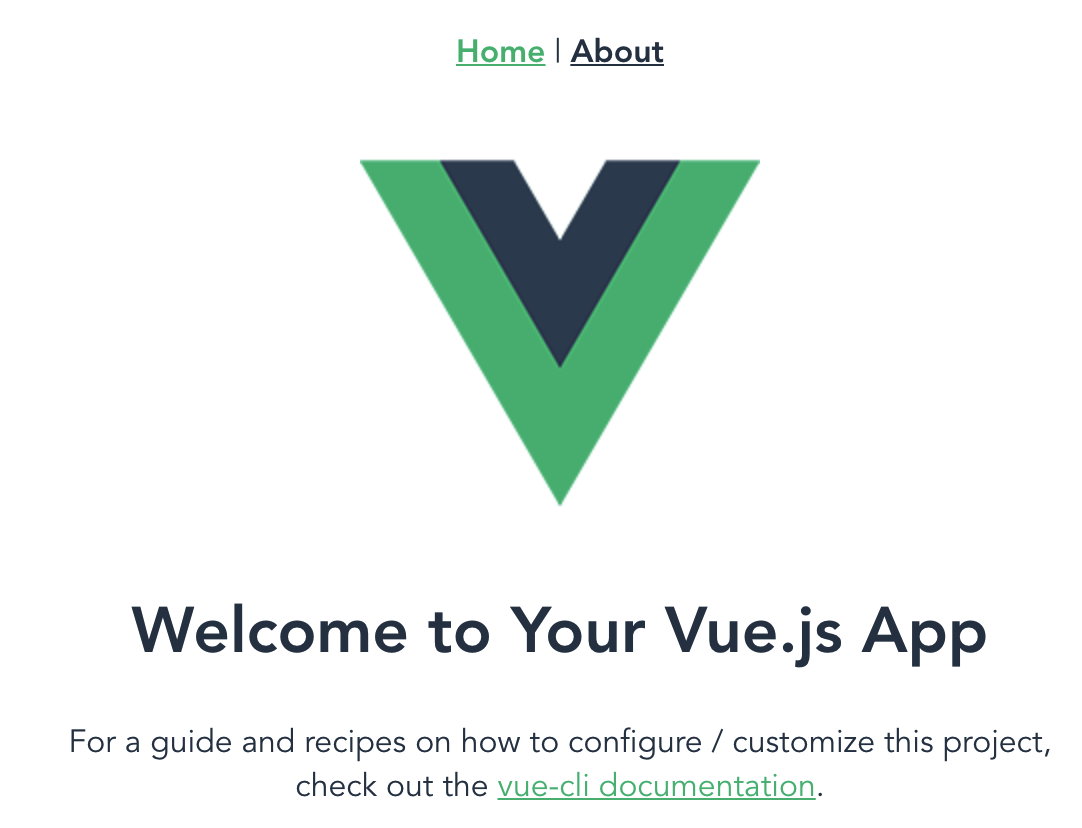
http://localhost:8080/about

兩個頁面,網址不同,但是 nav 的部份並沒有更新。
是透過 vue router 的機制替換了 <router-view> 位置的 component
替換 component 的樣子與昨天的
<component :is="">很像,但是用 vue-router 是比較常見的做法,畢竟 vue-cli 都直接送你了。
¶怎麼決定「跳轉到哪」
我自己除了 nav 很少使用 route-link,它最後會渲染成 <a href=""></a>
大部份都使用 $router.push({ name: RouteName }) 像是下面這樣使用
<button @click="$route.push({ name: 'Home' })"></button>
¶「哪個位置」要跳轉
切版時,留一個 html tag 的位置,寫下 <route-view /> 這個位置自然放進「網址指定的 component 」進來。
其實這很簡單,但是真正不容易發現的是,可不可以設定 props
¶跳轉不同的 component 可以放相同的 props 嗎?
昨天用了
<component :is="componentName"
  :data="mock"
  @update:data="mock = $event">
</component>
那天可以將 route-view 的 tag 放上 props 嗎?
<route-view :is="componentName"
  :data="mock"
  @update:data="mock = $event">
</route-view>
直接拿 hello world 的 code 來改看看
<template>
  <div id="app">
    <div id="nav">
      <router-link to="/">Home</router-link> |
      <router-link to="/about">About</router-link>
    </div>
    <router-view :chris="{ name: 'chris', age: 18 }"/>
  </div>
</template>
Home.vue
指定 prop 並直接顯示在畫面上
<template>
  <div class="home">
    <pre>chris: {{ chris }}</pre>
    <img alt="Vue logo" src="../assets/logo.png">
  </div>
</template>
export default {
  name: 'Home',
  props: {
    chris: {
      type: String,
      required: true,
    },
  },
};
About.vue
指定 prop 並直接顯示在畫面上
<template>
  <div class="about">
    <pre>chris: {{ chris }}</pre>
    <h1>This is an about page</h1>
  </div>
</template>
export default {
  name: 'About',
  props: {
    chris: {
      type: String,
      required: true,
    },
  },
};
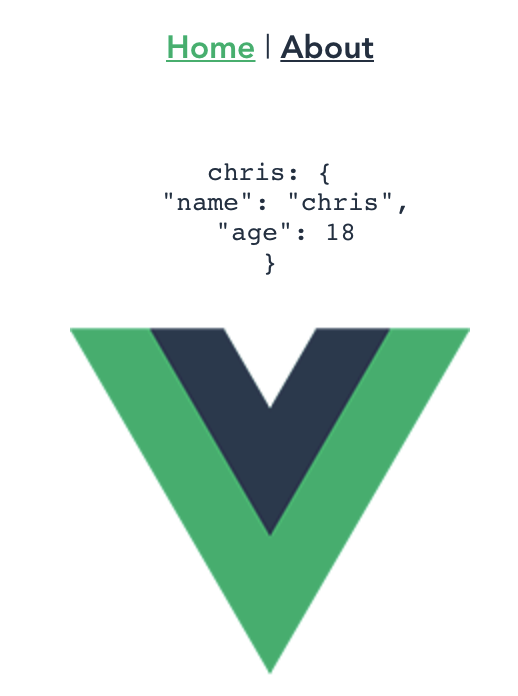
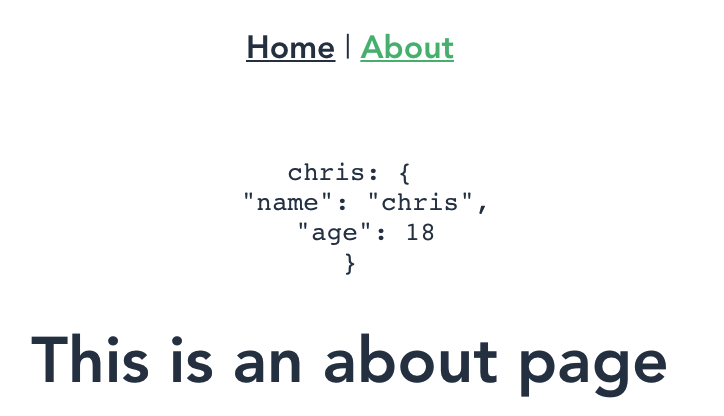
直接在 <route-view> 給 props,是會在適合的 component 自己吃自己需要的 props。